
vue.js 2.* 项目 环境搭建、运行、打包发布(常规版)
Vue 安装
vue-cli /webpack 全局安装
如果在意安装速度,可以使用淘宝镜像来安装 安装淘宝镜像 npm install -g cnpm --registry=https://registry.npm.taobao.org
安装完淘宝镜像后,就可以使用cnpm 来代替 npm 安装工具啦
我个人比较喜欢直接使用npm 安装:
全局webpack: npm install webpack -g
vue脚手架vue-cli: npm install vue-cli -g
安装webpack 版vue 项目
在指定的目录中打开命令窗口(编辑器中自带的命令窗口也可以)
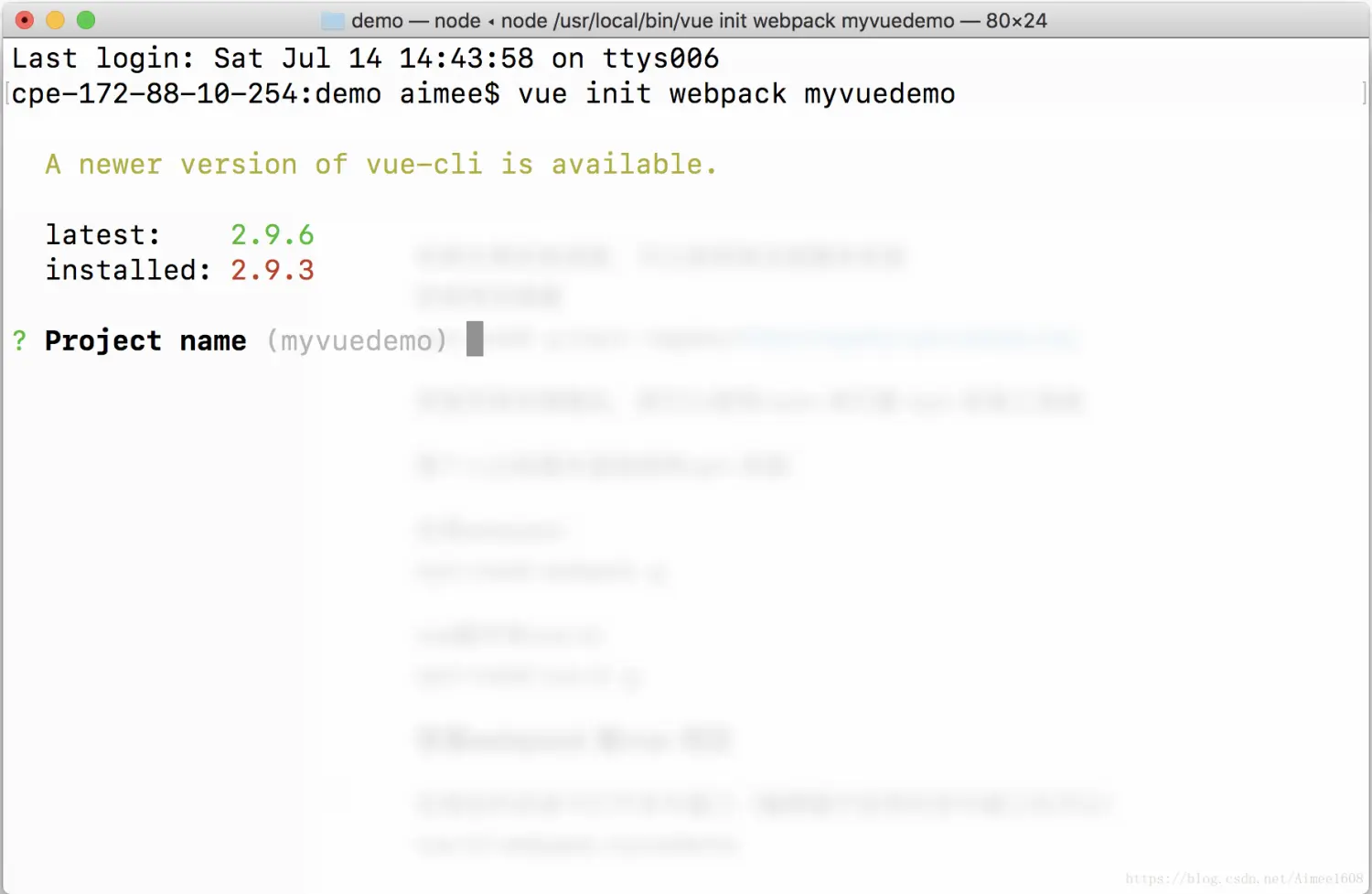
vue init webpack myvuedemo
-
Project name (回车默认)
-
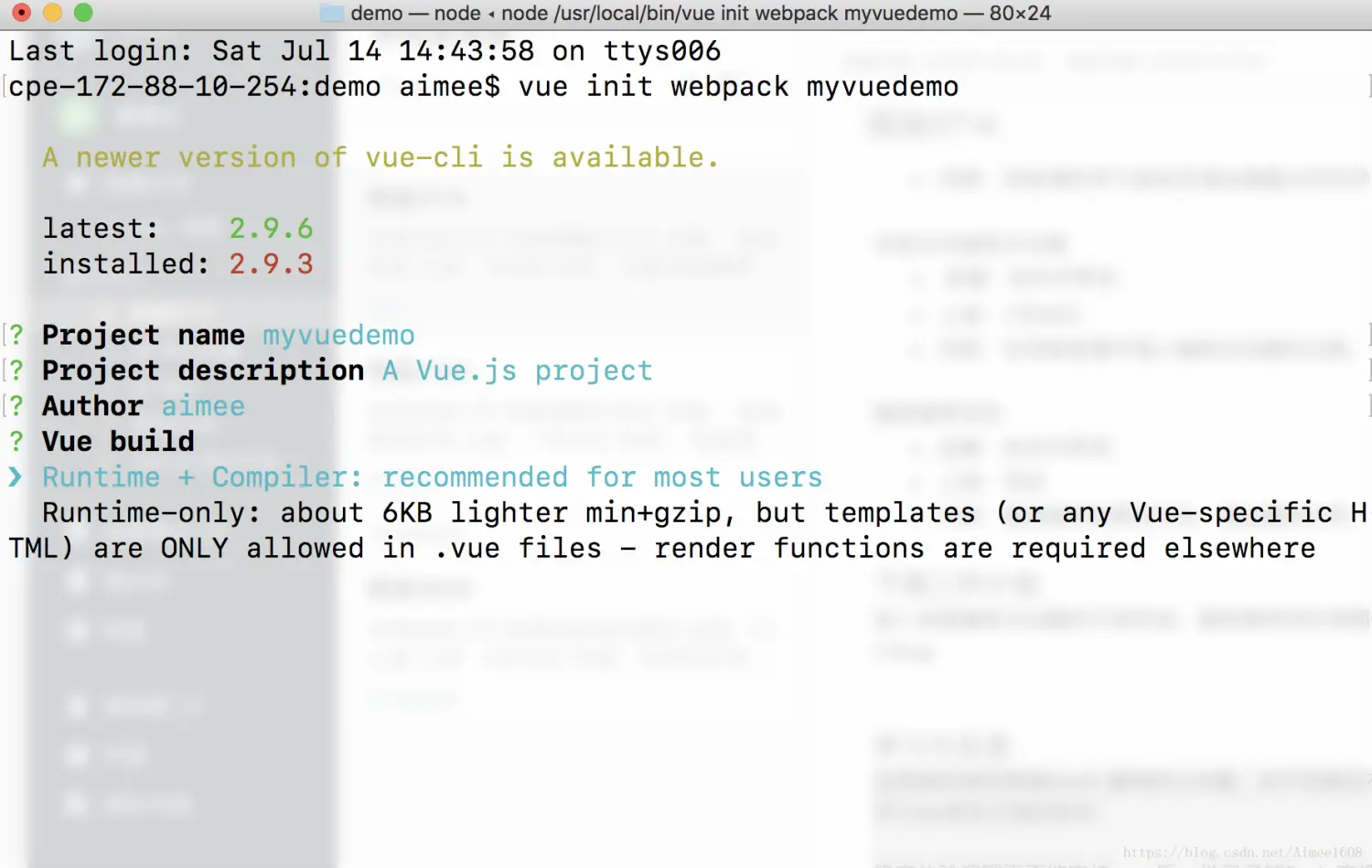
Project description (A Vue.js project) 回车默认 (也可以输入自己的描述)
-
Author 回车默认(自己的名字)
-
Vue build 默认选择 Runtime+Compiler
-
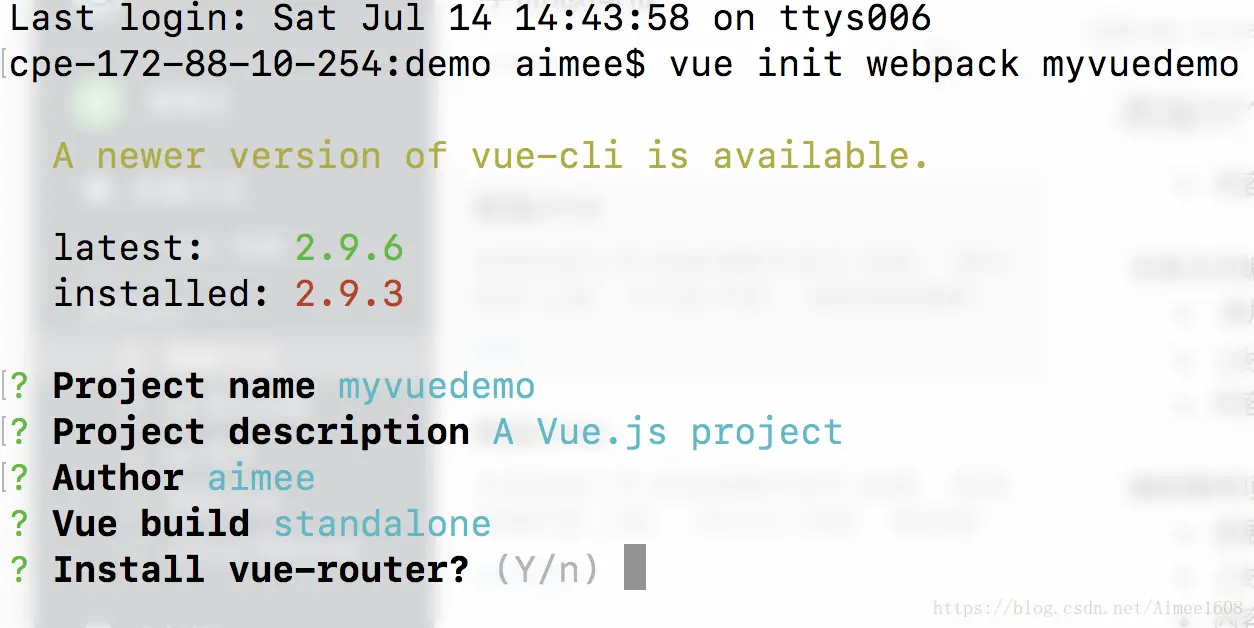
Install vue-router?Y 安装
-
Use ESLint to lint your code? Y (推荐使用,保持良好的代码编写规范)
-
pick an eslint preset. 默认 Standard
-
set up unit tests ? n (unit 测试,不需要)
-
setup e2e tests with Nightwatch?n (e2e 测试,不需要)
-
Should we run
npm installfor you after the project has been created? (recom mended) npm (选用 npm )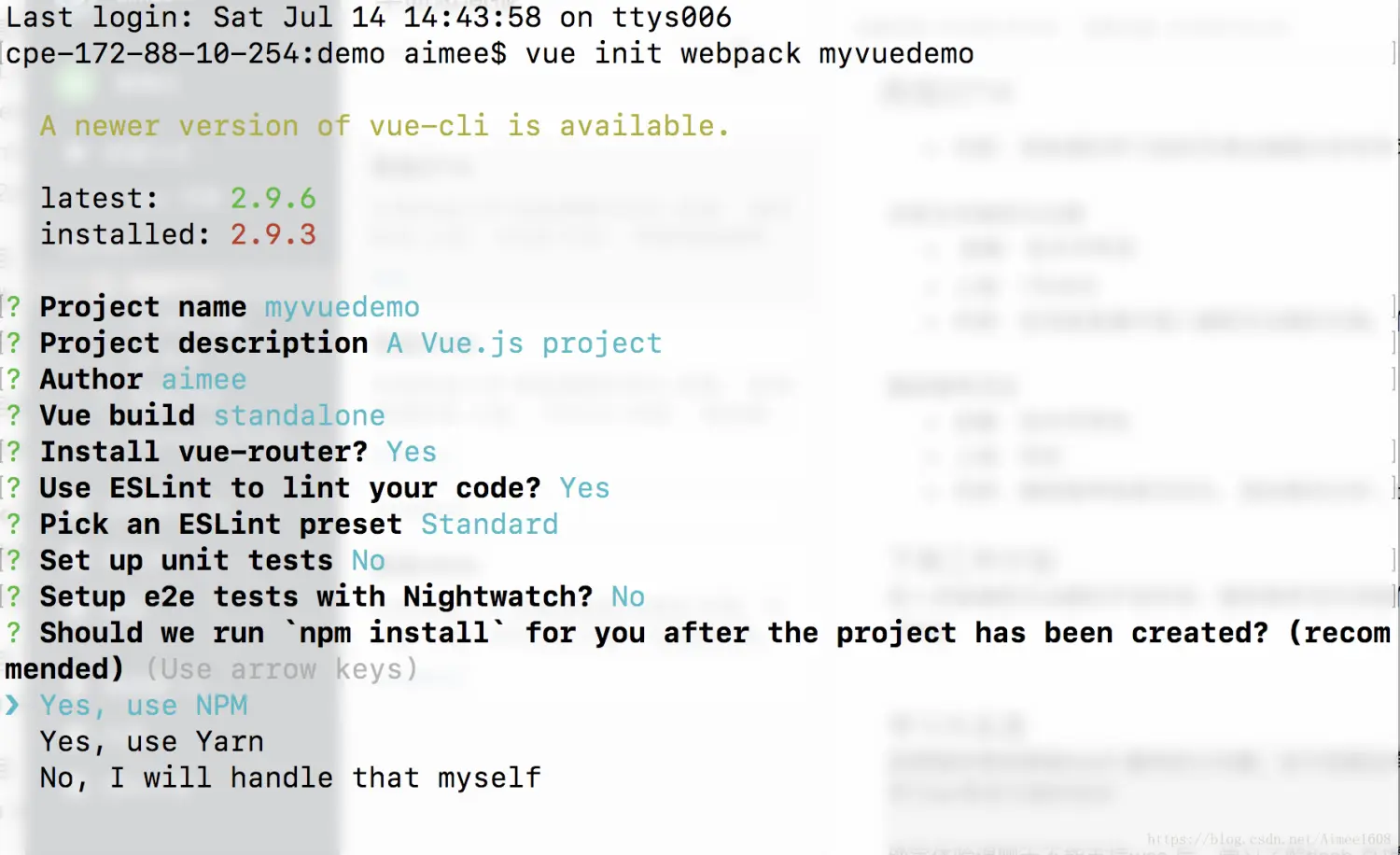
-
安装完毕
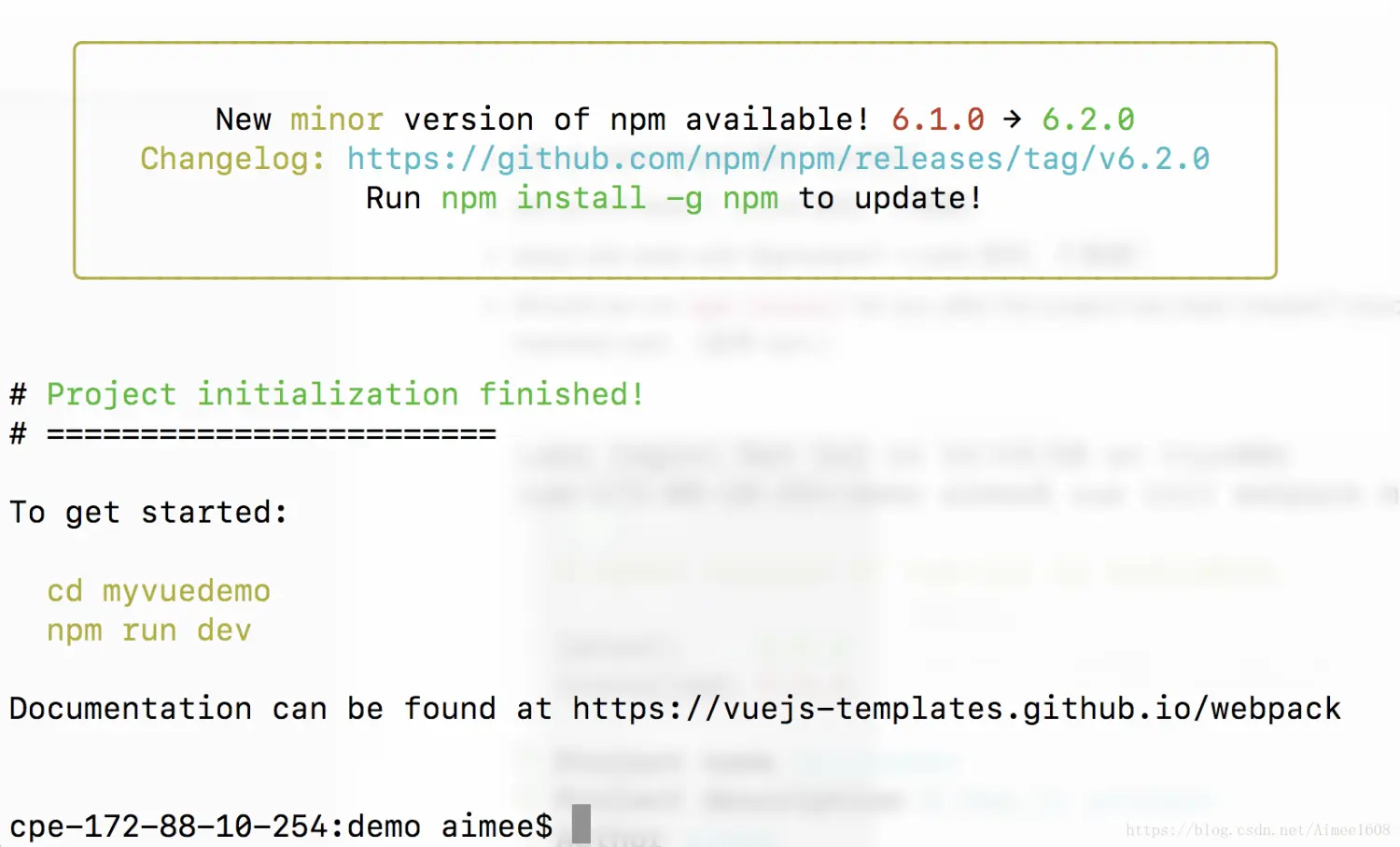
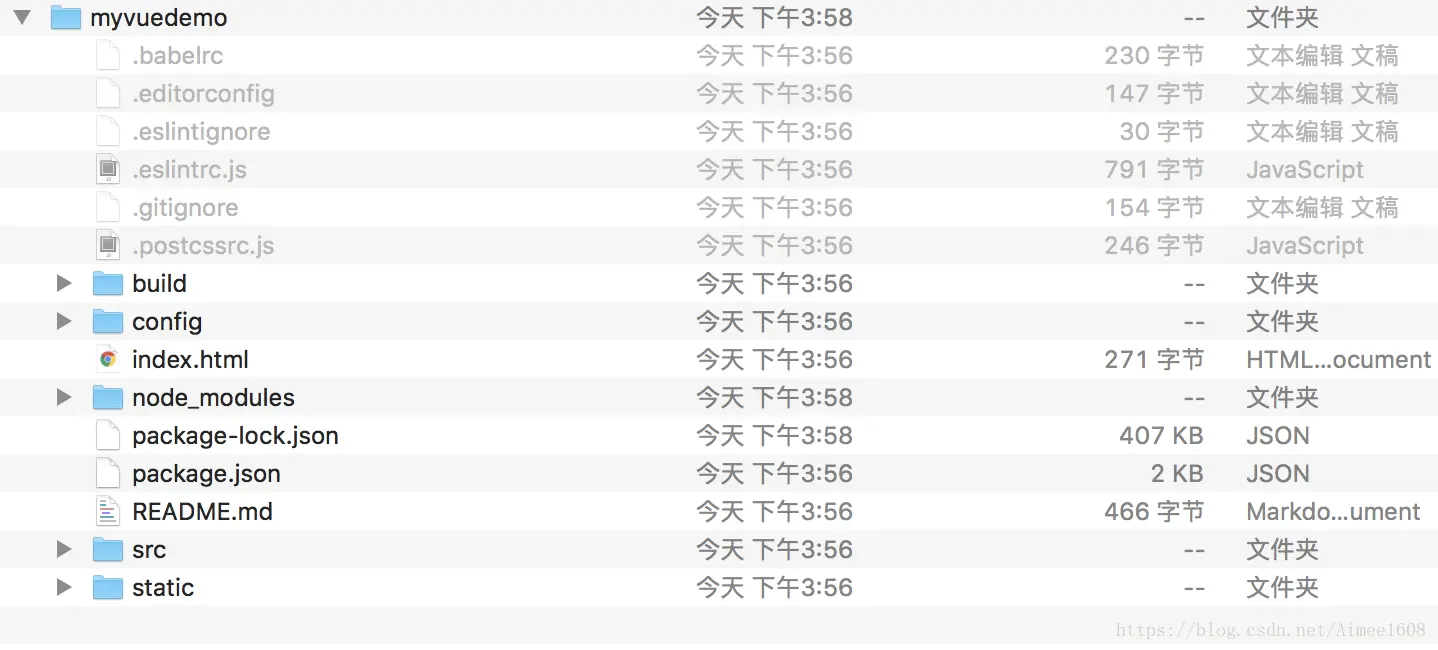
目录结构
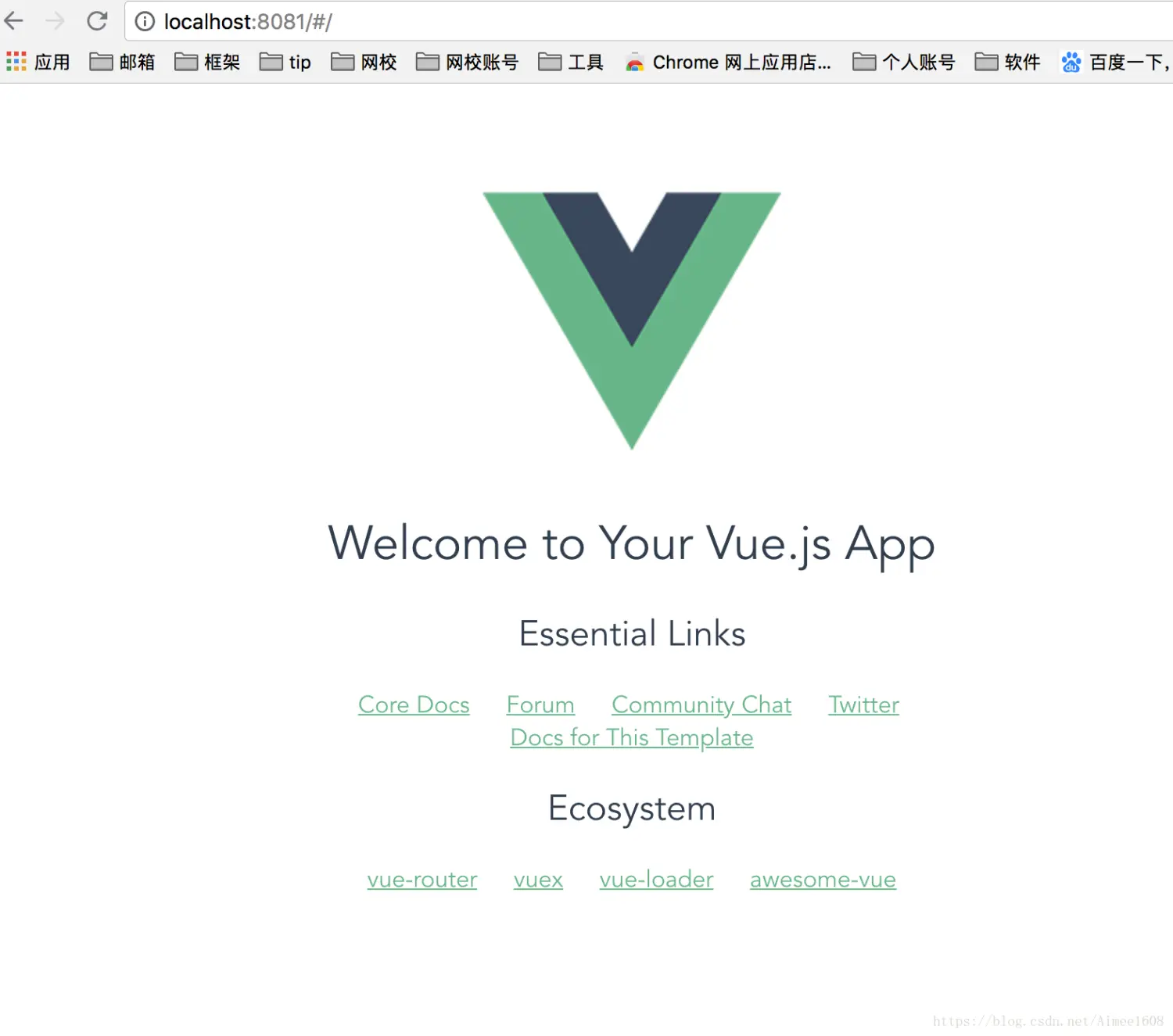
Vue 运行
运行命令 cd myvuedemo npm run dev
运行成功

页面内容
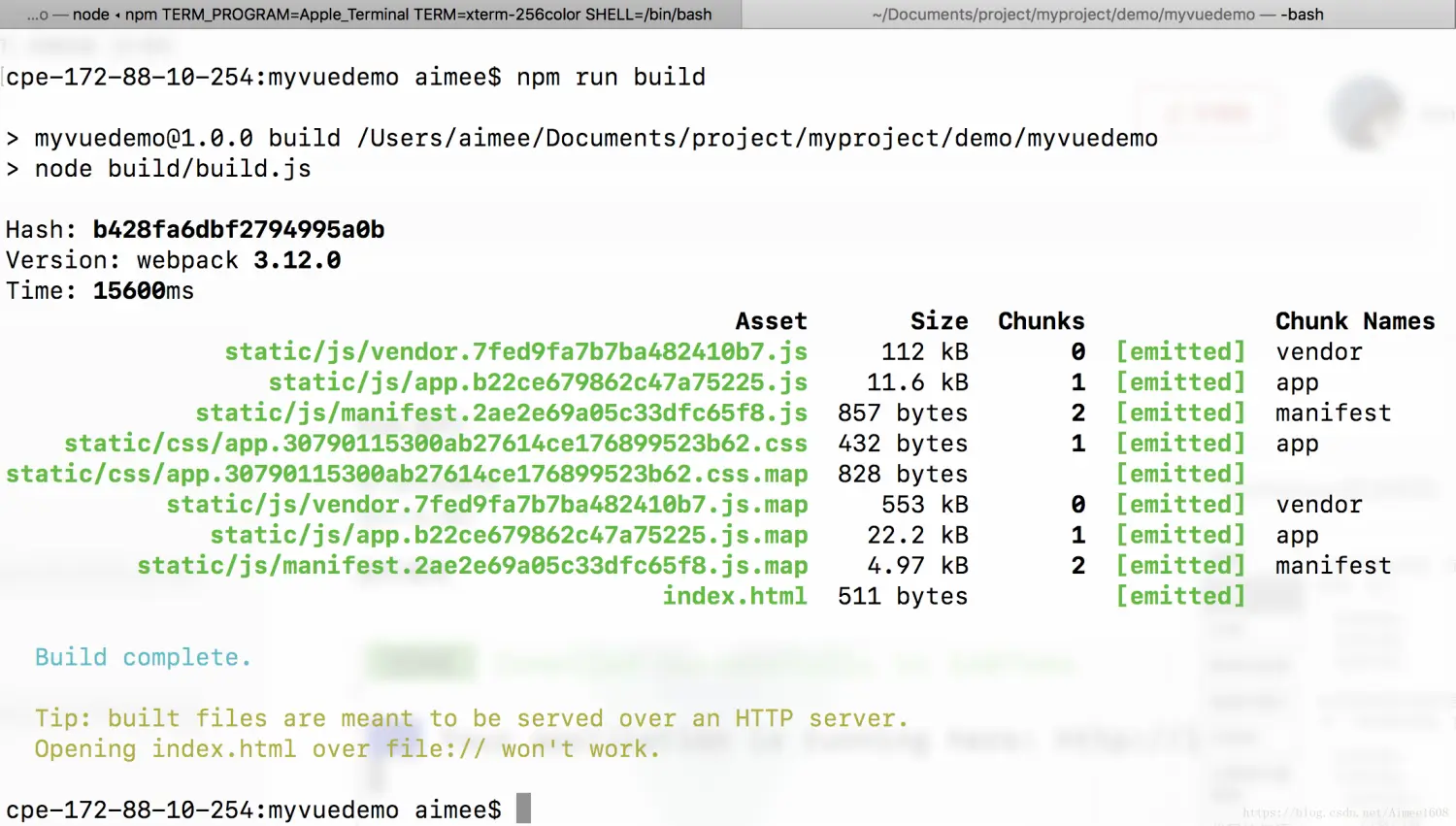
Vue build 打包
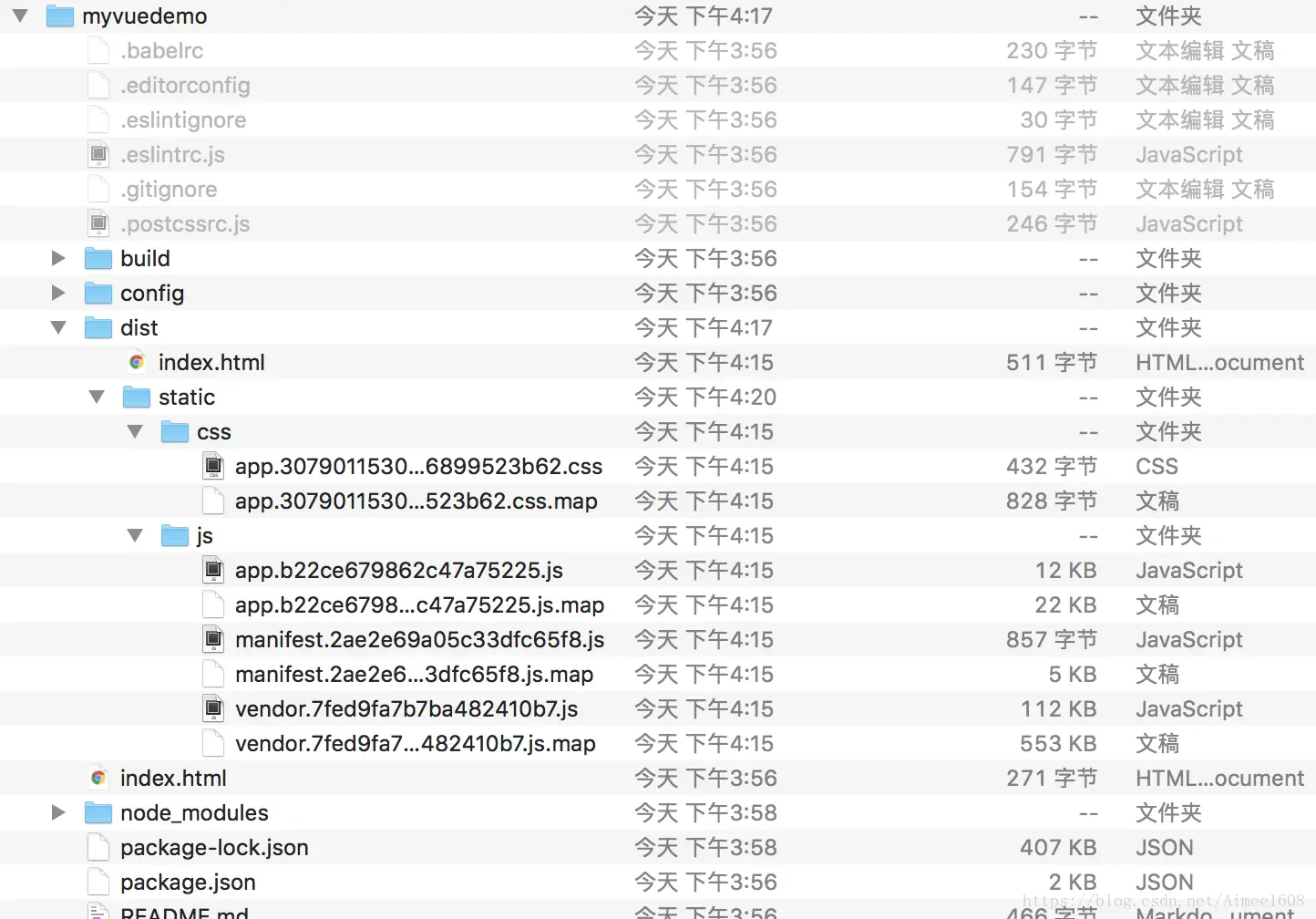
打包命令
npm run build
打包后的目录结构
运行打包项目
需要开启服务运行
使用http-server 运行(如没有安装http-server的,使用node 全局安装 http-server 即可,npm install http-server -g)
cd dist
http-server
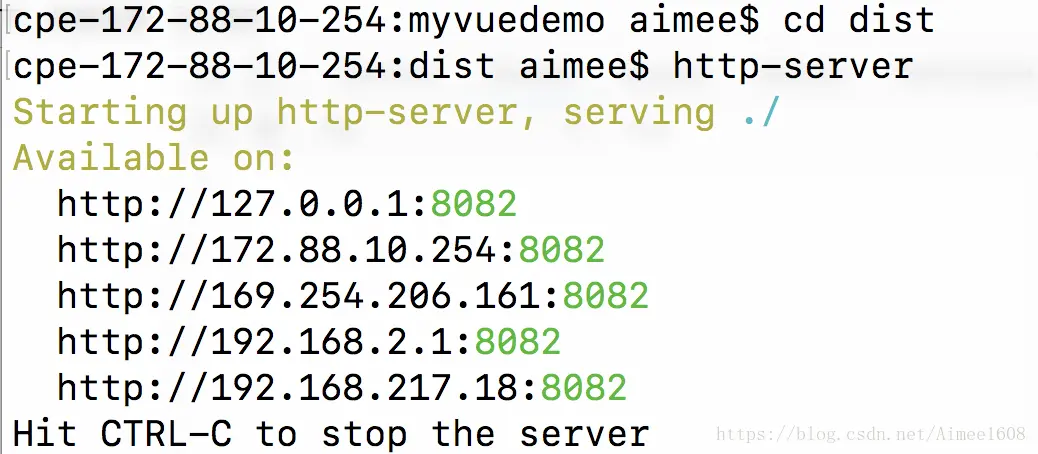
运行打包后的内容
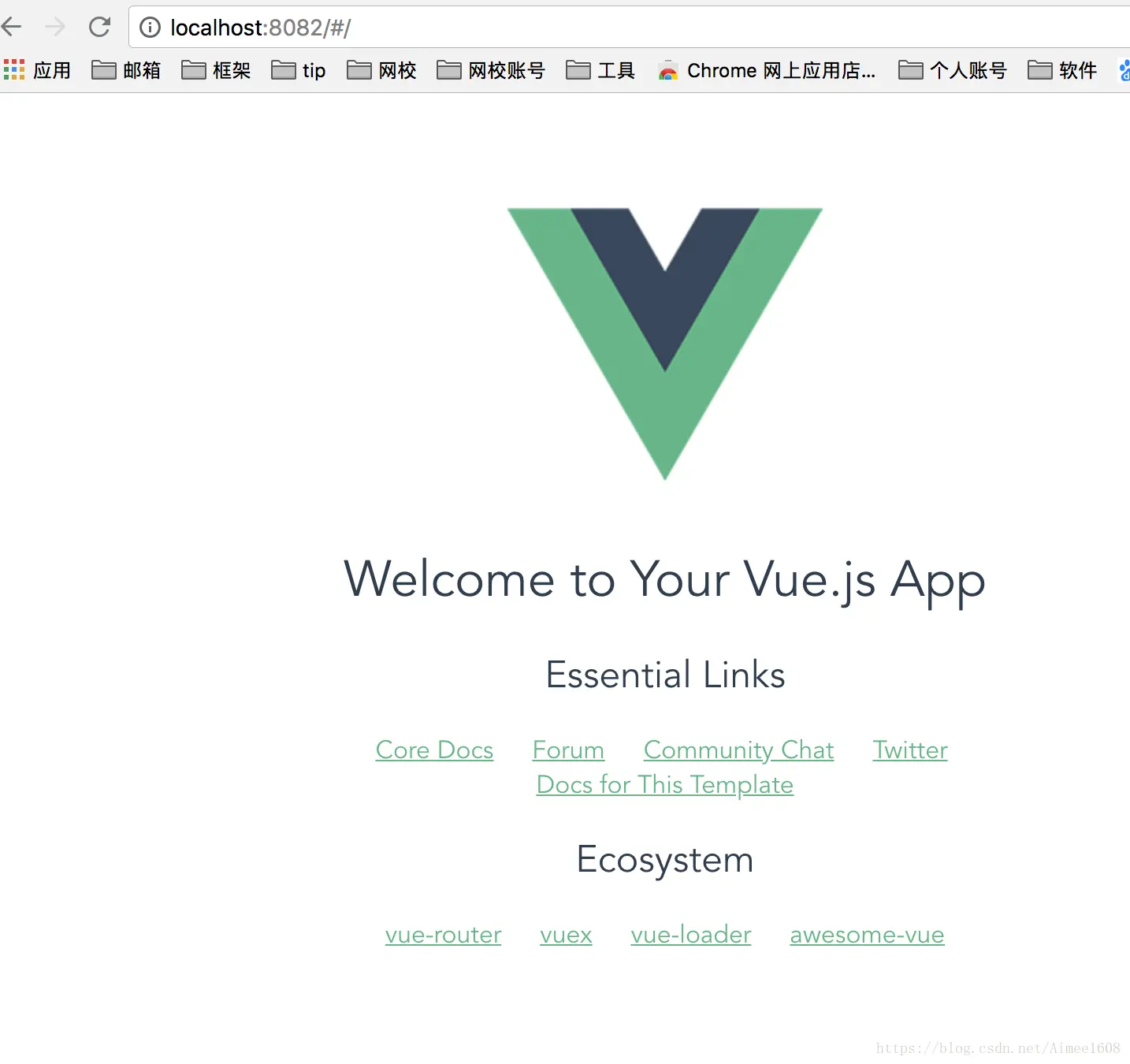
从搭建到运行打包发布全部完成,是不是很简单呢?
简单版的 vue.js 项目搭建 => https://blog.csdn.net/Aimee1608/article/details/78342914
评论(0)
登录后参与评论。
还没有评论,来抢沙发吧。
